Library
Filter by people, dates, cameras, locations, ratings, tags, albums, media type, AI status, and more.
PhotoHelm gives Windows users one desktop application for organizing, searching, reviewing, and analyzing large photo and video collections while keeping the original files in place.
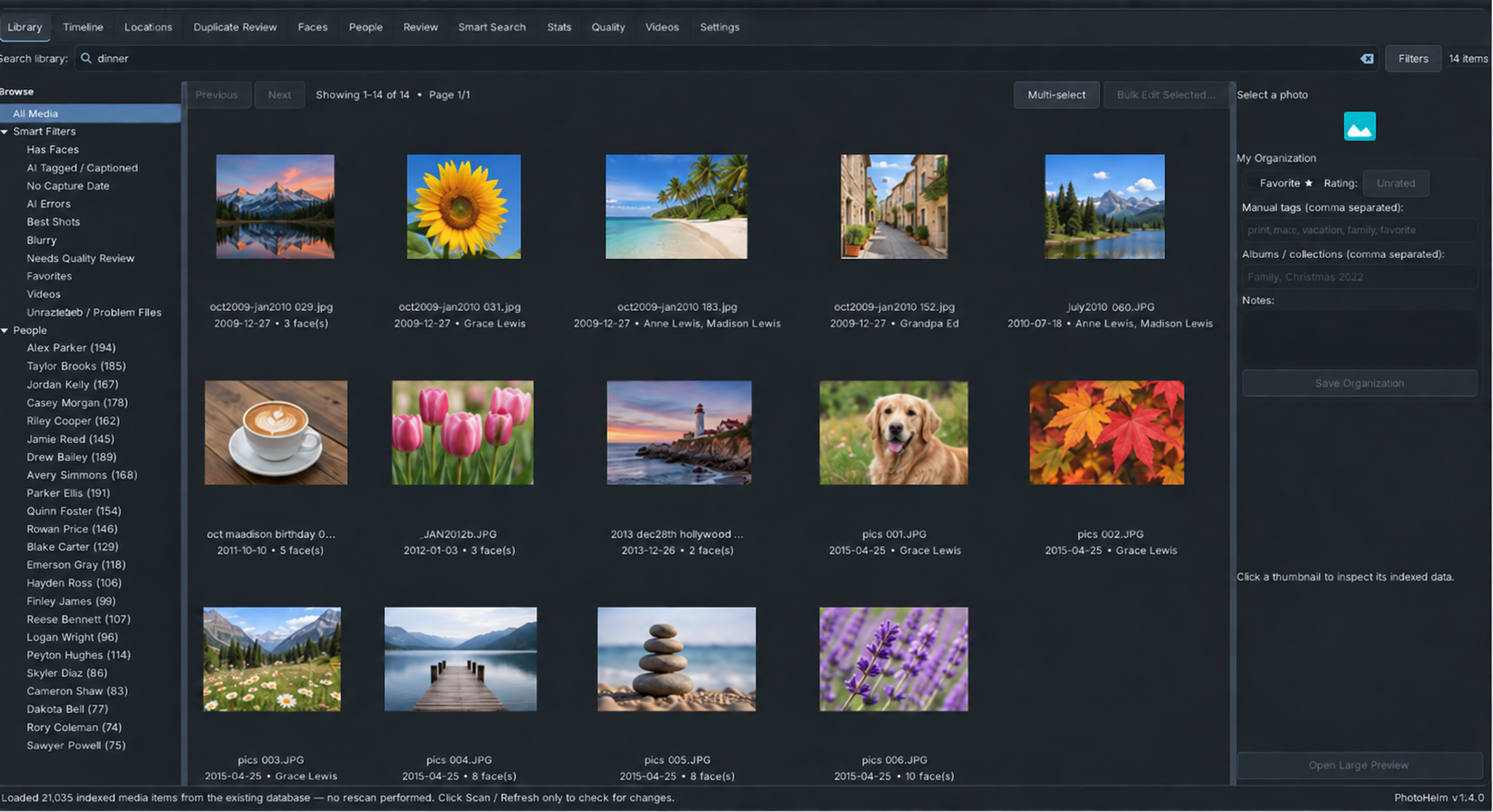
Choose the top-level folder you already use and PhotoHelm includes its subfolders. Scan / Refresh indexes new and changed media and reuses completed work on later scans.
Filter by people, dates, cameras, locations, ratings, tags, albums, media type, AI status, and more.
Use natural-language search across captions, tags, semantic visual meaning, people, places, and other library metadata.
Group and name people, correct matches, and keep trusted reference faces for your library.
Index video metadata and analyze representative sampled frames alongside your photos.
The current PhotoHelm site lists Windows 10 and Windows 11.
Yes. The Windows download is an automatic installer designed to install the required runtime and dependencies.
Yes. The Windows build includes the same 10-day full-feature evaluation described on the PhotoHelm home page.

Local photo and video organization, search, and analysis.